How to Create a Custom GPT
Using Claude Opus 4.5
Learn to create, launch, and monetize a Claude Opus 4.5 app using CalStudio with elite reasoning and advanced capabilities

Introducing Claude Opus 4.5
Anthropic recently launched Claude Opus 4.5, the most advanced model in their Claude 4 series. Designed for elite-level reasoning, complex multi-turn conversations, and premium applications, Opus 4.5 represents the pinnacle of AI assistance with unmatched capabilities in coding, research, and specialized domains.
🏆 Claude Opus 4.5 Performance
Opus 4.5 achieves industry-leading benchmarks:
- • 200K+ context window - Handle massive documents and long conversations
- • Best-in-class reasoning - Superior to competitors in complex problem-solving
- • Advanced tool grounding - Precise API integration and function calling
- • Multi-file processing - Native support for structured data inputs
- • Elite coding capabilities - Exceptional debugging and code generation
🚀 What Makes Claude Opus 4.5 Special
Premium Capabilities
- • Ultra-advanced reasoning and analysis
- • Extended context understanding
- • Superior debugging and problem-solving
- • Enhanced multi-modal processing
Enterprise-Ready
- • Optimized for high-value applications
- • Reliable performance at scale
- • Advanced workflow automation
- • Perfect for monetization
I personally experimented with it and built a custom research assistant AI chatbot powered by Opus 4.5 and was amazed by its depth of analysis, attention to detail, and ability to handle complex multi-step research tasks with minimal guidance.
💡 Real-World Testing Results
The research assistant demonstrated exceptional performance in analyzing complex documents, synthesizing information from multiple sources, and providing nuanced insights that required deep contextual understanding - all while maintaining accuracy and coherence across extended conversations.
Perfect Use Cases for Claude Opus 4.5
Elite Code Assistant
Advanced debugging, architecture design, and complex code generation with superior technical reasoning.
Research Analyst
Deep analysis of complex topics, literature review, and synthesis of information from multiple sources.
Advanced Tutor
Expert-level teaching assistant with exceptional reasoning for graduate-level and specialized subjects.
Legal Assistant
Document analysis, contract review, and legal research with attention to detail and nuance.
Strategic Advisor
Business strategy, market analysis, and complex decision-making support with deep contextual understanding.
Premium AI Agent
Elite autonomous capabilities for complex workflows, research tasks, and multi-step processes.
Step-by-Step: Build Your Claude Opus 4.5 App
1 Sign Up for CalStudio
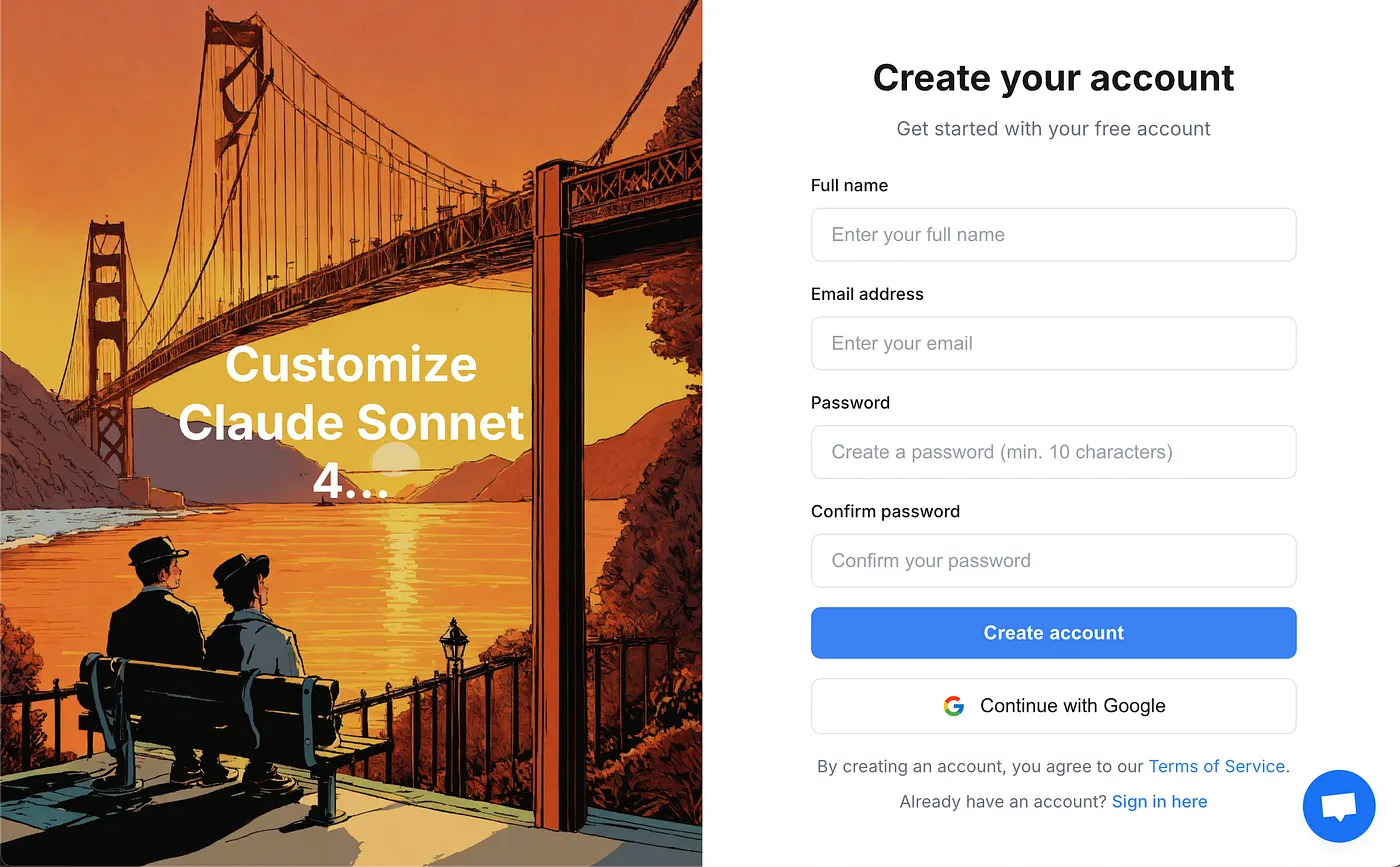
Create your account on CalStudio.com to access Claude Opus 4.5 and other advanced AI models.

💼 Pro Max Plan Required
Claude Opus 4.5 is a premium model available on CalStudio's Pro Max plan. This ensures you can deploy high-value applications with Anthropic's most powerful model for professional and enterprise use cases.
2 Start Creating Your Bot
Click the "Create App" button on your dashboard to launch CalStudio's intuitive bot creation wizard.

3 Select Claude Platform
Choose the "Claude" option from the app creation menu to access Anthropic's models.

4 Configure Your Claude Opus 4.5 Bot
Fill out the comprehensive configuration form:
- Bot Name: Choose a descriptive name that reflects your app's purpose
- Avatar Image: Upload a custom image or logo for your bot
- Model Selection: Select "Anthropic Claude Opus 4.5" from the available models
- System Prompt: Define your bot's personality, expertise, and behavior with detailed instructions
- Knowledge Base: Upload relevant documents, PDFs, or connect data sources
- Conversation Starters: Add example prompts to guide users

💡 Prompt Engineering Tips for Opus 4.5
- • Leverage the 200K+ context window with comprehensive instructions
- • Design complex, multi-step workflows for autonomous execution
- • Take advantage of superior reasoning with detailed analytical tasks
- • Use structured prompts for precise outputs and tool integration
- • Include domain expertise and specialized knowledge in system prompts
5 Launch Your Claude Opus 4.5 App
Click "Create App" to finalize your configuration. Your Claude Opus 4.5 custom GPT will appear on your dashboard, ready for testing and deployment.
🧪 Testing Your Bot
- • Test with complex, multi-step queries to leverage Opus 4.5's capabilities
- • Try advanced reasoning tasks requiring deep analysis
- • Upload multiple documents to test context handling
- • Verify tool integration and API connections
- • Evaluate long-form conversations and context retention
- • Ensure the bot maintains expertise and accuracy across topics
6 Share and Monetize
Once launched, you can share your Claude Opus 4.5 app with anyone through a custom link. For example, a research assistant might be available at researchassistant.cals.app!
⚡ Performance Benefits
Claude Opus 4.5 offers several advantages for premium applications:
Technical Superiority
- • 200K+ context window
- • Best-in-class reasoning
- • Advanced tool grounding
- • Elite debugging skills
Business Benefits
- • Premium pricing potential
- • Enterprise-ready performance
- • High-value use cases
- • Reliable autonomous capabilities
Advanced Features & Deployment
Analytics & Performance Monitoring
Once launched, track your Claude bot's performance with detailed analytics:
📊 Usage Analytics
- • Conversation volume and trends
- • User engagement metrics
- • Popular topics and queries
- • Response satisfaction rates
⚡ Performance Metrics
- • Response time analysis
- • Error rate monitoring
- • Knowledge base effectiveness
- • User retention insights
Monetization Strategies
Transform your Claude Opus 4.5 bot into a revenue-generating asset:
Premium Access
Charge for advanced features or unlimited usage
Consultation Services
Offer paid expert consultations powered by Claude
Lead Generation
Capture qualified leads for your business
💰 Monetization Setup
Enable monetization with CalStudio's subscription:
- 1. Upgrade to a CalStudio paid plan
- 2. Connect your Stripe account for payments
- 3. Set pricing tiers and free usage limits
- 4. Configure premium features and access controls
Real-World Claude Opus 4.5 Applications
AI Coding Mentor
"Our Claude-powered coding assistant helps developers with complex architecture decisions and code reviews."
- • Advanced debugging assistance
- • Architecture pattern recommendations
- • Code optimization suggestions
- • Technology stack guidance
Research Assistant
"Claude Opus 4.5's research synthesis capabilities transformed our academic workflow and paper quality."
- • Literature review automation
- • Hypothesis generation
- • Data analysis interpretation
- • Academic writing assistance
Creative Writing Partner
"Authors and content creators use our Claude bot for high-quality creative assistance and storytelling."
- • Story development and plotting
- • Character development assistance
- • Writing style adaptation
- • Content ideation and brainstorming
Legal Analysis Tool
"Law firms leverage Claude's reasoning for complex legal analysis and document review processes."
- • Contract clause analysis
- • Legal precedent research
- • Risk assessment reports
- • Compliance checking
Optimization & Iteration
CalStudio makes it easy to continuously improve your Claude bot:
🔧 Optimization Features
- • A/B test different system prompts
- • Analyze conversation patterns
- • Update based on user feedback
- • Refine knowledge base integration
- • Monitor response quality metrics
- • Optimize for specific use cases
- • Update knowledge base content
- • Adjust pricing and access controls
Your Claude Opus 4.5 Assistant is Ready
With Claude Opus 4.5's industry-leading capabilities and CalStudio's powerful deployment platform, you can create sophisticated AI assistants that rival the best commercial offerings. Whether for coding, research, creative writing, or complex reasoning tasks, your custom Claude bot can deliver exceptional value to users.
🎉 What You've Created
- ✅ A custom Claude Opus 4.5 assistant with specialized knowledge
- ✅ Public sharing and professional website integration
- ✅ Advanced analytics and performance monitoring
- ✅ Monetization capabilities with payment processing
- ✅ Custom domain hosting and branding options
- ✅ Continuous optimization and improvement tools
Start building your Claude Opus 4.5 assistant today and harness the power of one of the world's most capable AI models for your specific needs and business goals.